## **How it Works**
### **Satisfaction Survey**
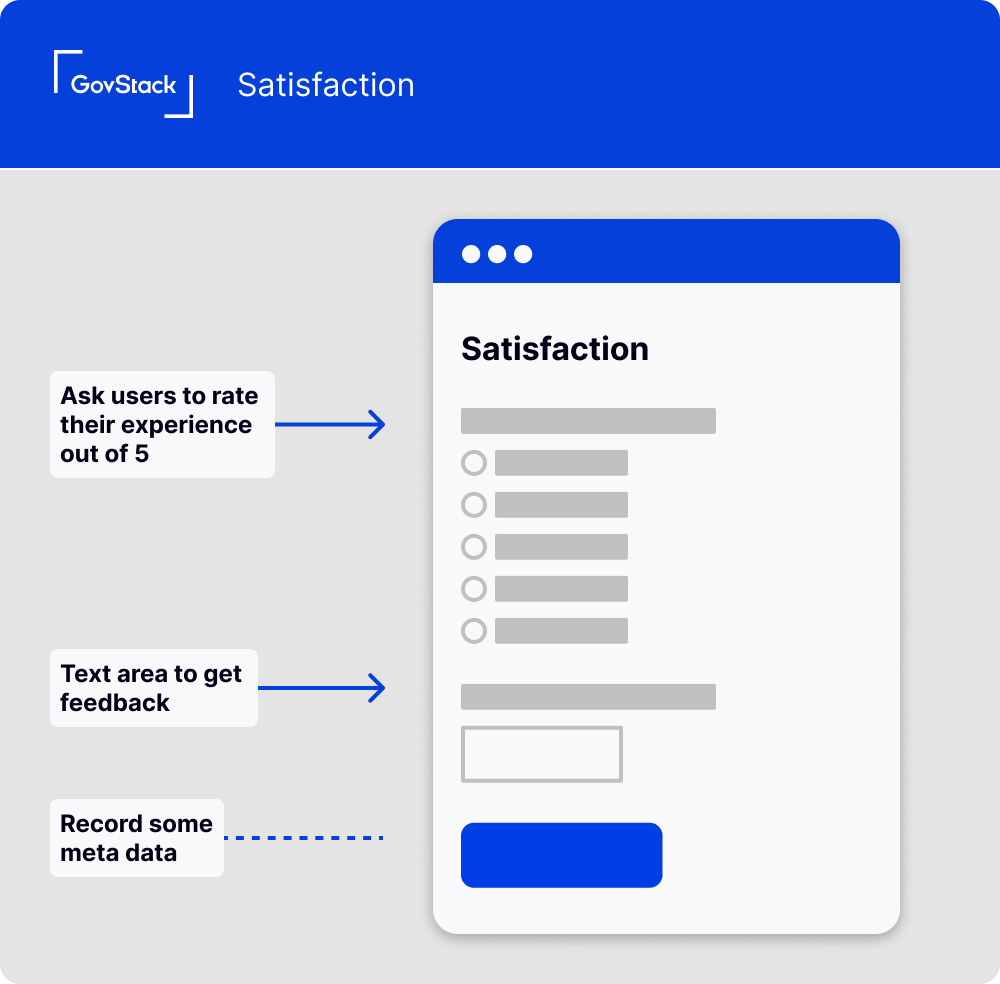
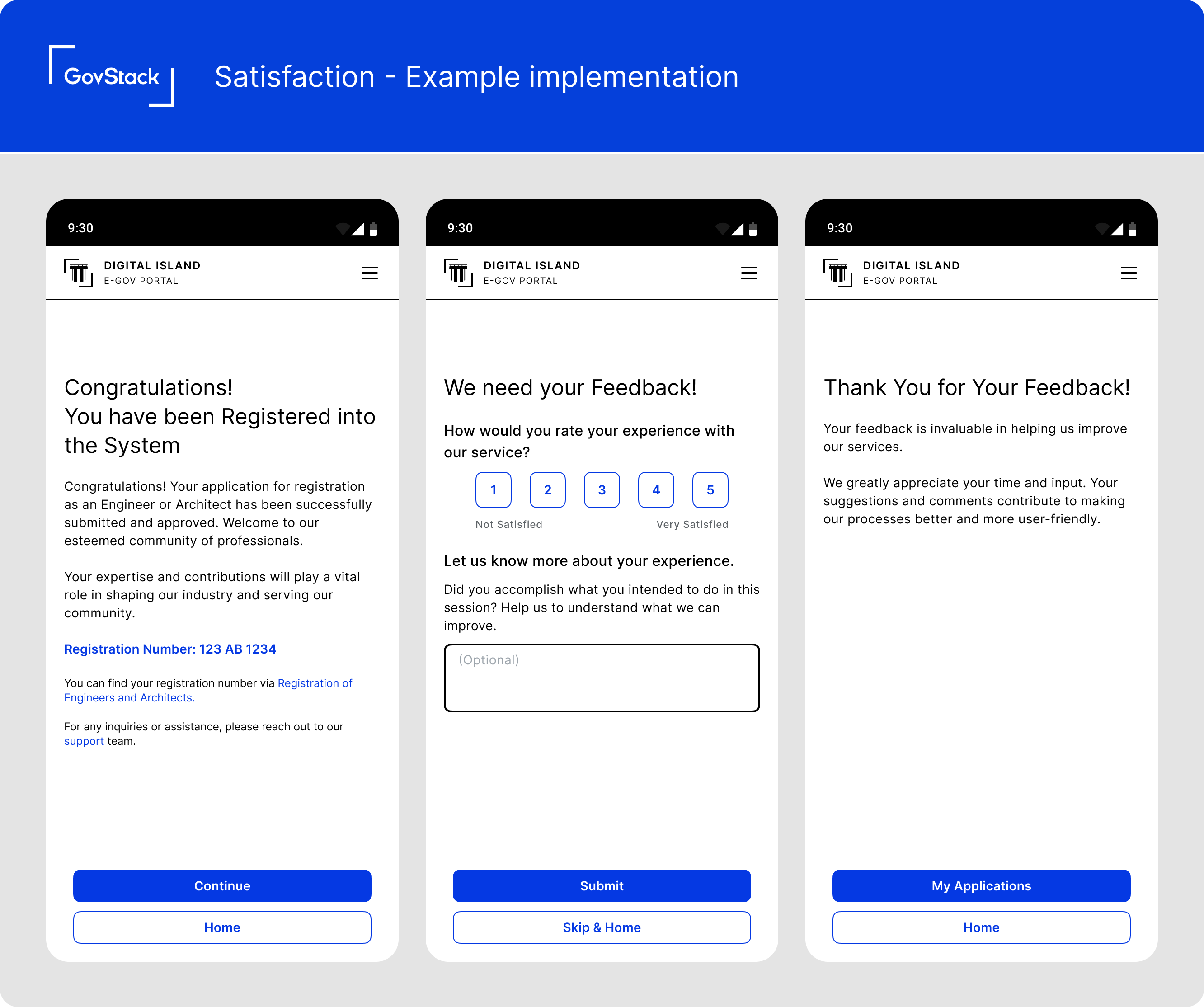
At the end point of the user journey, prompt users to rate their experience. This should be a simple rating scale (1-5) or a binary satisfied/dissatisfied question.
### **Open-ended Feedback**
Following the rating, provide a text field for users to share more details about their experience. Prompt users with an open-ended question like, "How could we improve your experience?"
### **Submit Button**
Include a clear 'submit' button to finalise their feedback.
### **Success Message**
Display a success message after submission, thanking them for their feedback.
### **Data you might Collect**
* **User Satisfaction Score:** The user's response to the satisfaction rating question.
* **Feedback Text:** The user's response to the open-ended feedback question.
* **Page URL:** The URL of the page from which the feedback was submitted.
* **Session ID:** Identifies the particular user session, for associating feedback with specific user journeys.
### **Potential Questions for User Survey**
Consider adding questions to your satisfaction survey to gain deeper insights:
* **Did you accomplish what you intended to do in this session?** Helps understand if the user journey was effective and efficient
## **When to use this pattern**
Use this pattern at the end of a user journey to collect valuable feedback about user experiences. Be aware that user satisfaction is biased to users that reach an end-point of a service.
##