> For the complete documentation index, see [llms.txt](https://specs.govstack.global/llms.txt). Markdown versions of documentation pages are available by appending `.md` to page URLs; this page is available as [Markdown](https://specs.govstack.global/overview/23q4/govstack-ui-ux-guidelines/4-design-patterns/6-page-templates/7.2-perception-survey.md).
# 4.3.2 Perception survey
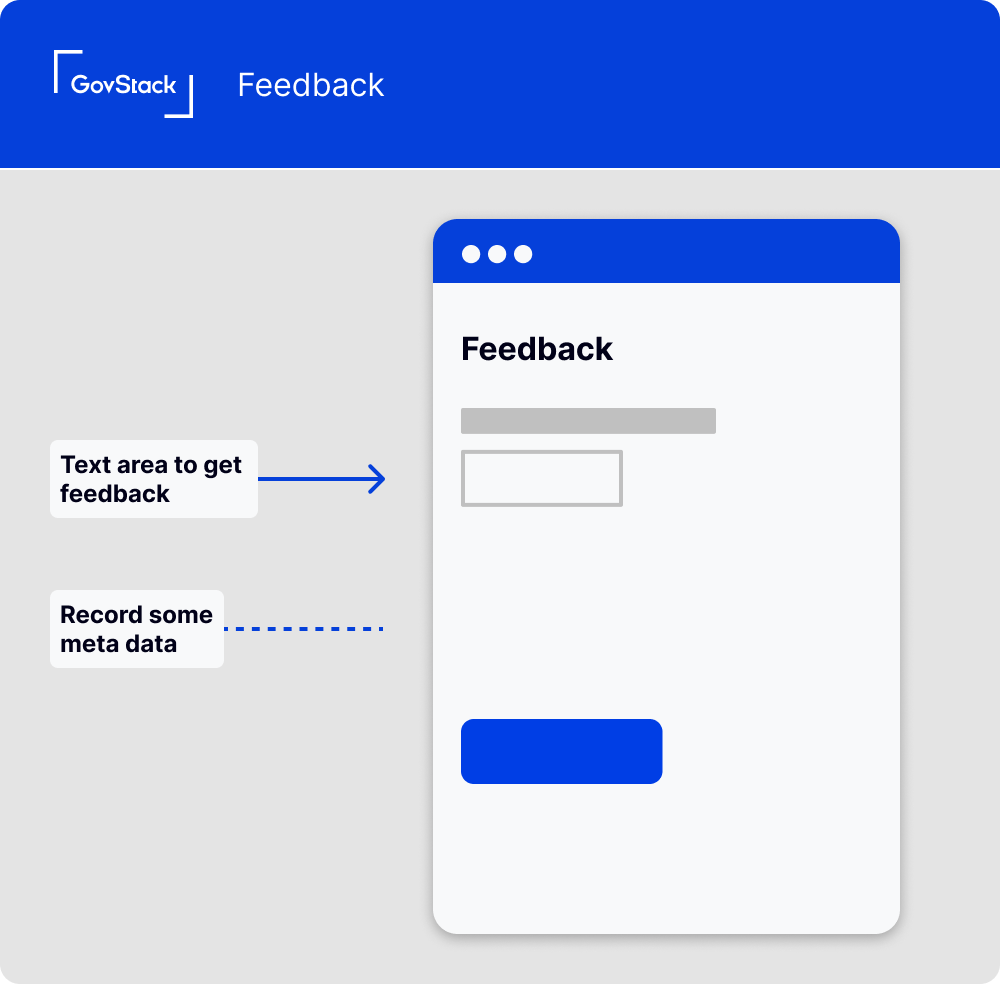
Wireframe showing feedback page
## **How it Works**
### **Invitation for Feedback**
Invite users to provide feedback about their overall experience with the service catalogue. This could be a dedicated page, a pop-up prompt, or an email sent after a certain period of usage.
### **Survey Form**
Create a form to collect user perceptions about the entire service catalogue. Use a mix of open-ended questions and structured items (like ratings or multiple-choice questions) to gather comprehensive feedback.
#### **Submit Button**
Include a clear call-to-action button for submitting the survey. A label like "Submit survey" is straightforward and effective.
#### **Success Confirmation**
After users submit their survey responses, show a success message to confirm receipt. Something simple like "Thank you, your survey has been submitted" works well.
### **Data you might collect**
In addition to feedback about specific services, consider collecting:
* **User ID:** If the user is logged in, this can help provide context for the feedback.
* **Overall Satisfaction:** Ask users to rate their overall satisfaction with the service catalogue.
* **Specific Services Used:** Understanding which services a user has interacted with can provide context for their feedback.
* **Timestamp:** Recording when the feedback was provided can help identify any time-related trends.
* **Suggestions for Improvement:** Ask users what they think could improve their experience with the service catalogue.
### **Potential Questions for User Survey**
To gain a deeper understanding of user experience with the government service catalogue, consider including these questions in your feedback form:
* **How did you find out about the government service catalogue?** This can give insights into the effectiveness of your outreach and communication strategies.
* **Which services have you used?** Knowing which specific services a user has interacted with can provide important context for their feedback.
* **How easy was it to find the services you needed?** This can shed light on the effectiveness of your catalogue layout and search functionality.
* **How would you rate your overall experience with the services you used?** This gives a high-level view of user satisfaction with your service offerings.
* **What improvements would you suggest for the services you used?** This open-ended question allows users to provide specific feedback and suggestions for individual services.
* **What additional services or features would you like to see in the future?** This can help guide your future development efforts based on user needs and wants.
## **When to Use this Pattern**
This pattern is useful when you want to gather feedback on the overall service catalogue, rather than individual services or interactions. This can help identify strengths and weaknesses across your offerings and improve the user experience at the catalogue level.
## **When Not to Use this Pattern**
Do not use this pattern as a substitute for gathering feedback on individual services or interactions. Users' experiences with specific services can be different from their overall impression of the service catalogue, so both types of feedback are valuable.
---
# Agent Instructions
This documentation is published with GitBook. GitBook is the documentation platform designed so that both humans and AI agents can read, navigate, and reason over technical content effectively. Learn more at gitbook.com.
## Querying This Documentation
If you need additional information that is not directly available in this page, you can query the documentation by asking a question.
Perform an HTTP GET request on the following URL with the `ask` and `goal` query parameters:
```
GET https://specs.govstack.global/overview/23q4/govstack-ui-ux-guidelines/4-design-patterns/6-page-templates/7.2-perception-survey.md?ask=&goal=
```
`ask` is the immediate question: it should be specific, self-contained, and written in natural language.
`goal` is what the user is ultimately trying to achieve, the reason they need the answer. Sharing it helps GitBook give you a better, more relevant answer. A goal is most helpful when it describes the outcome the user wants rather than restating the question. For example, with `ask=how do I create an API token`, a goal like `automate deployments from our CI pipeline` lets GitBook tailor the answer to that use case.
The response will contain a direct answer to the question and relevant excerpts and sources from the documentation.
Use this mechanism when the answer is not explicitly present in the current page, you need clarification or additional context, or you want to retrieve related documentation sections.